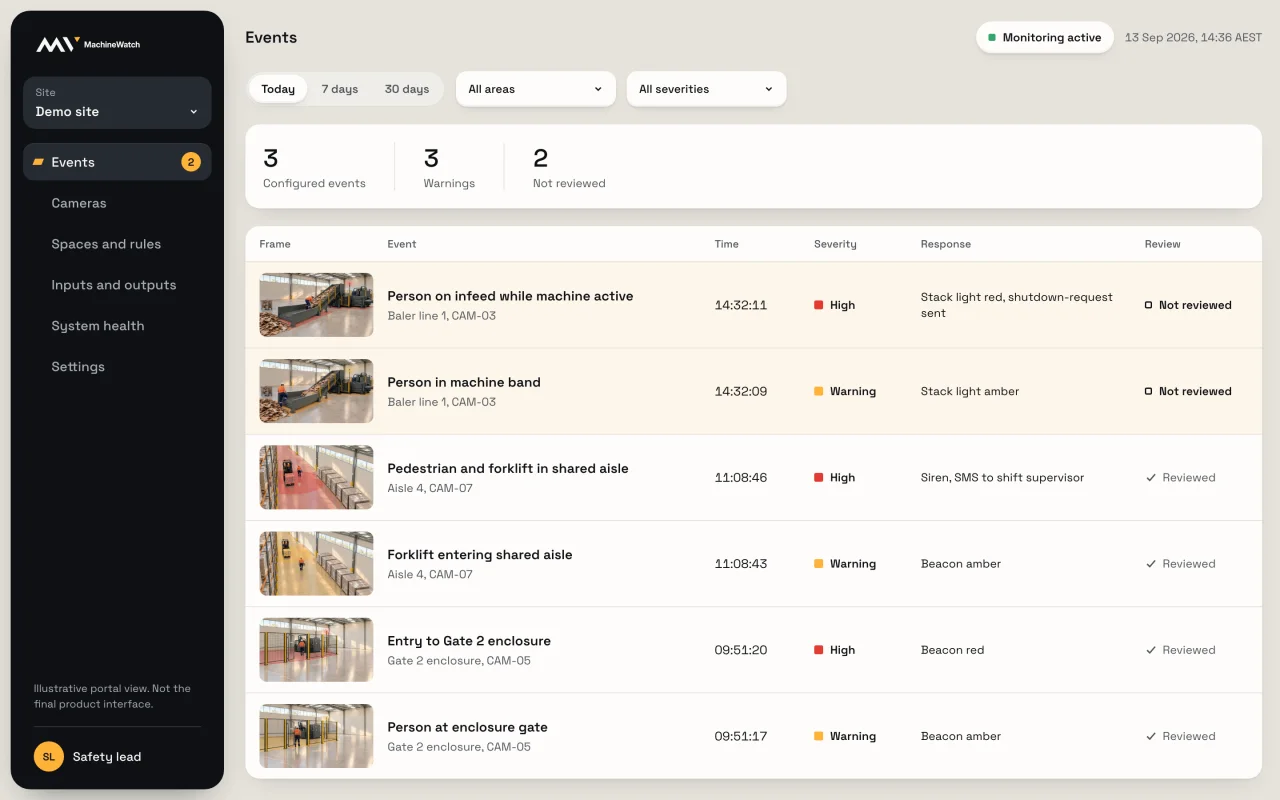
Events
Every event, in one list
Across every camera and zone: what happened, how serious, what it did, and whether someone has looked.
The problem
Repeated near misses at one machine
Everyone knows the spot. Nobody can say how often it happens, or when.
The problem
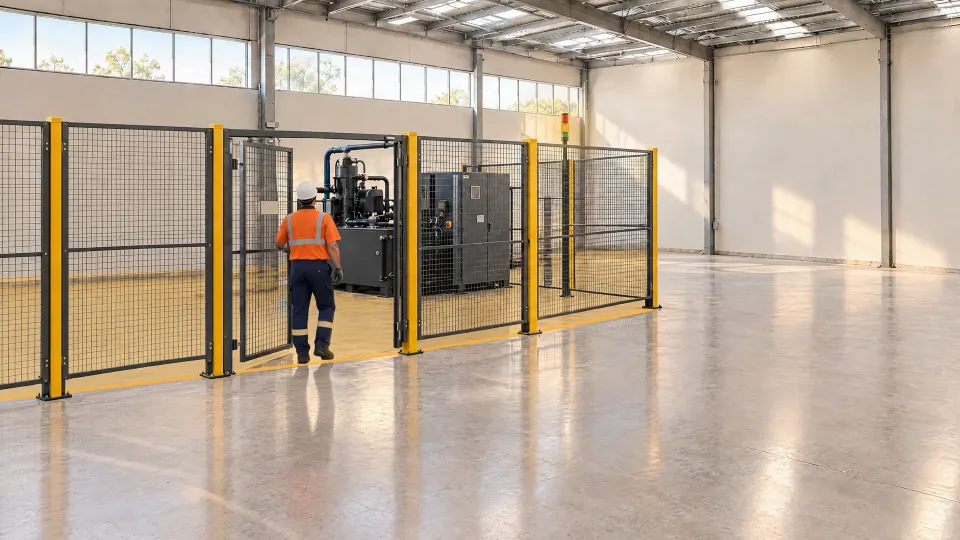
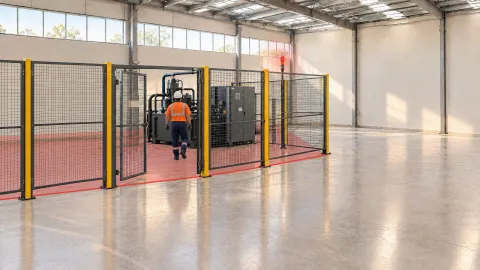
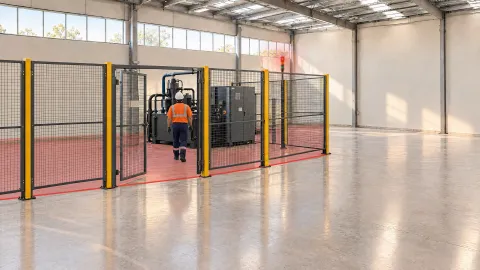
People in areas that should stay clear
A fence or a painted line works until the day it doesn't.
The problem
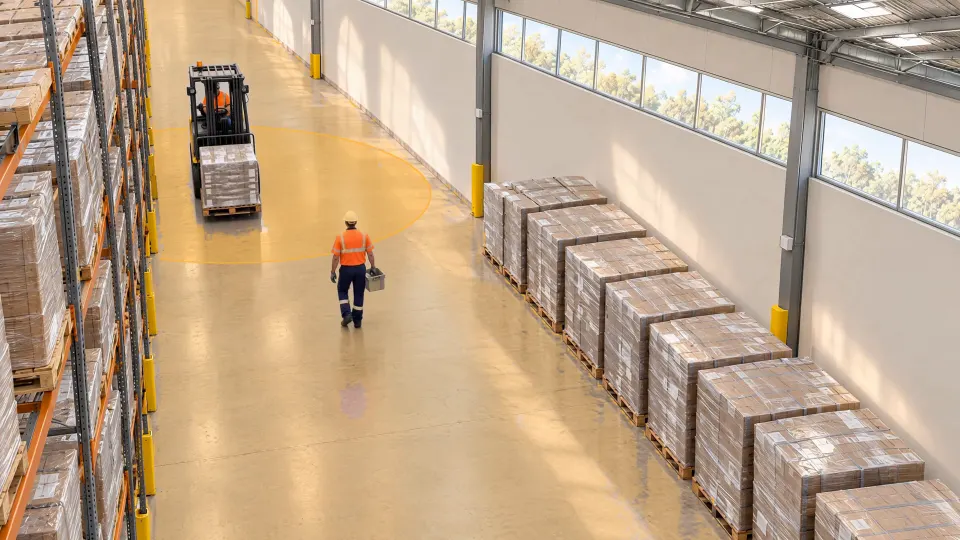
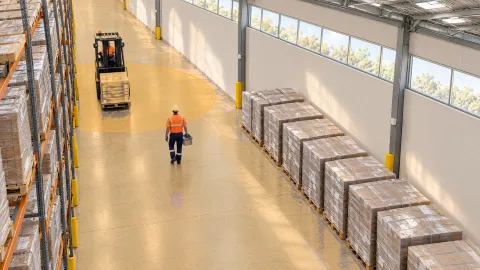
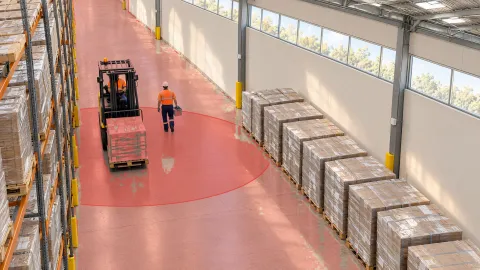
Forklifts and people sharing aisles
Crossings and blind corners that nobody can watch on every shift.
Demo site.
 Now
Now
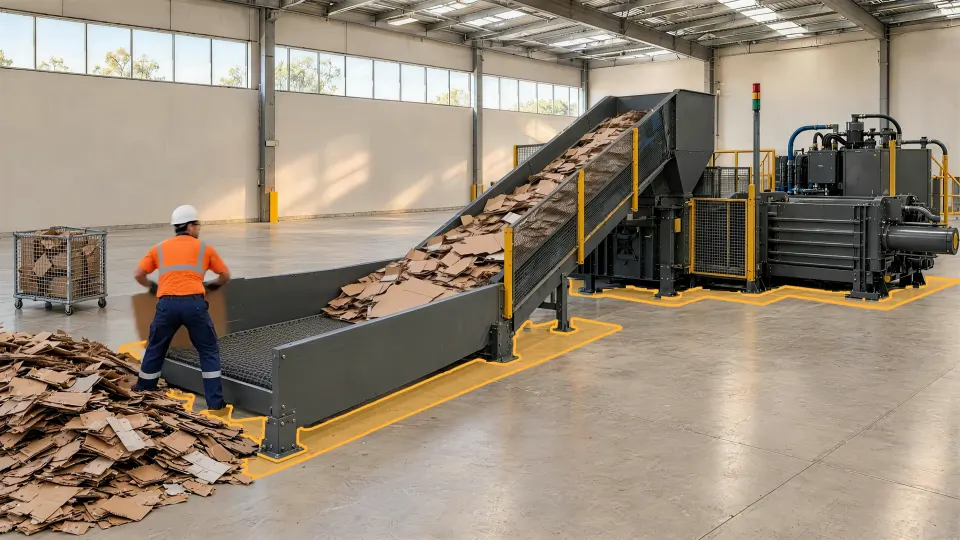
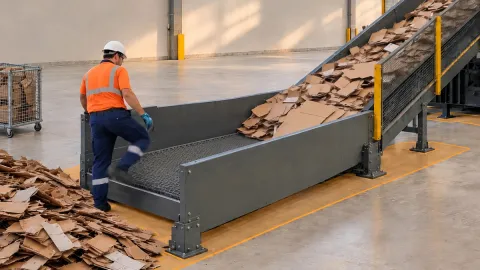
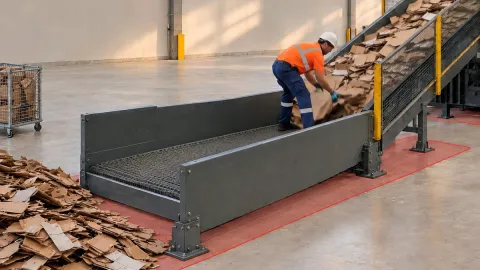
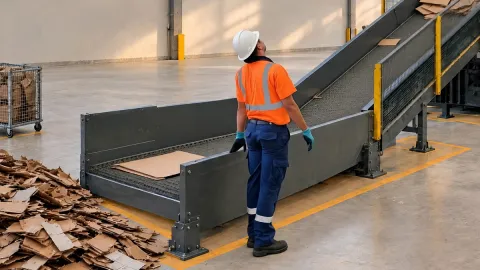
Someone on the infeed while the baler runs
The clip, ready to review
Now
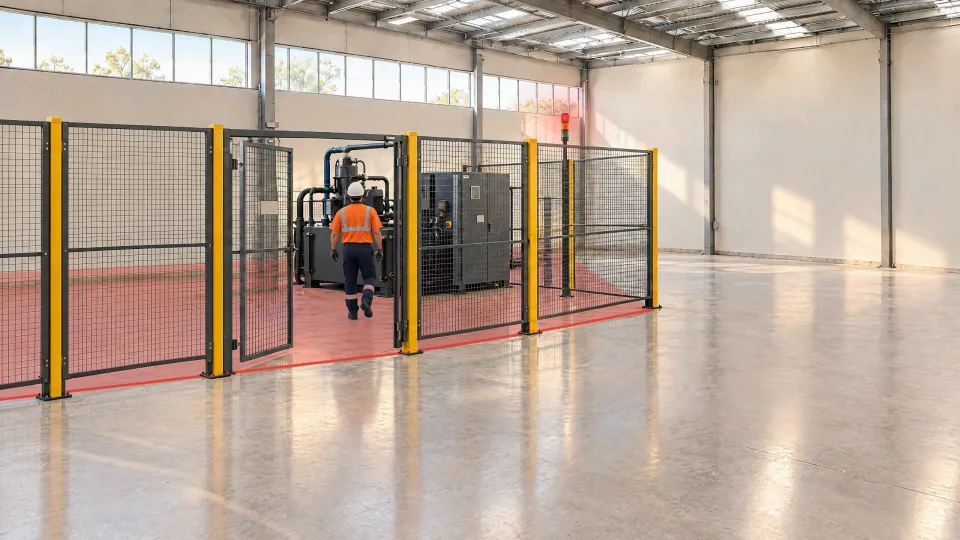
Someone inside the Gate 2 enclosure
The clip, ready to review
Now
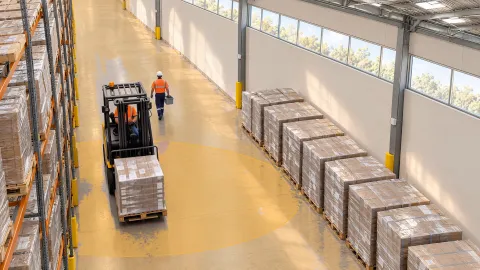
Someone inside a forklift’s envelope
The clip, ready to review
The envelope applies where technically supported and validated.
Being hit by moving plant or vehicles or injured when working with fixed machinery are preventable.
600+
forklift incidents reported to SafeWork NSW since January 2024. Two-thirds hurt no one, but could have.
NSW Government, October 2025188
workers died from injuries at work in Australia in 2024. A vehicle was involved in 66% of those deaths.
Safe Work Australia, 20251+a week
Victorian workers seriously injured by forklifts or falling loads.
WorkSafe Victoria, May 2024Same spot. Same camera. A different outcome for the person, the machine and your team.
| Without | With MachineWatch | |
|---|---|---|
| The person | Without: No warning. | With MachineWatch: Warned at the spot, as it happens. |
| The machine | Without: Keeps running. | With MachineWatch: Your control system gets a stop signal. |
| Your team's time | Without: Hours searching footage. | With MachineWatch: The clip's already kept. |
Not after. In the moment.
It acts.
It warns the person, signals your control system to stop, and keeps the clip, while it's happening.
See how it works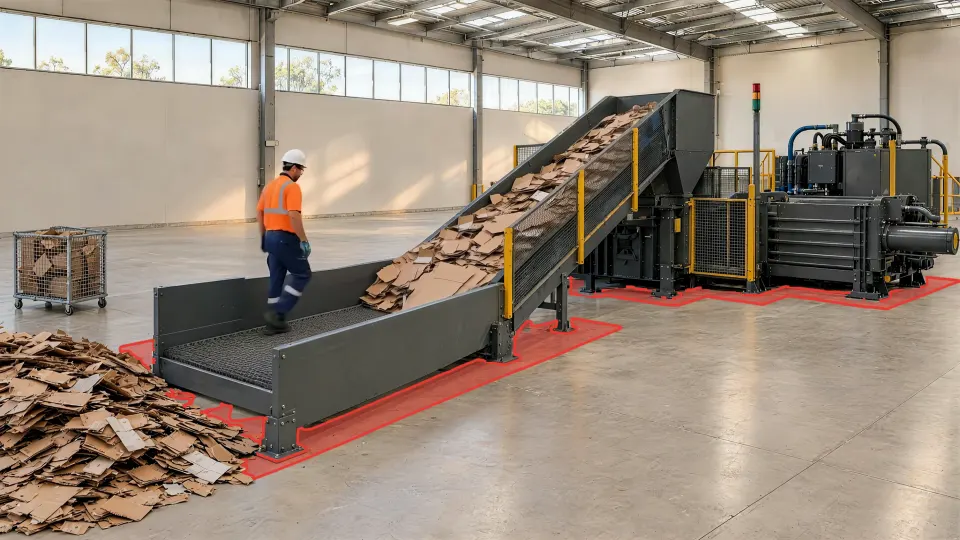
MachineWatch is software for your site cameras. Your team marks the zone and sets the rule. From then on it watches the zone on every shift, and acts when someone's in it while the rule applies.
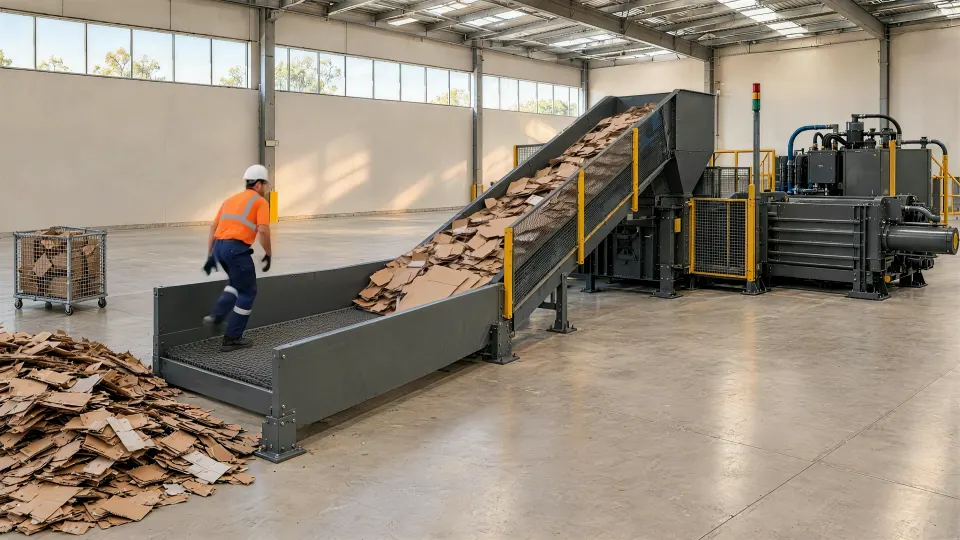
Draw it on the camera view: the infeed, the gate, the aisle.
Someone in the zone at any time, or only while the machine runs, from its running signal.
A light or siren at the spot, an SMS where supported, a stop signal to your control system. The clip is kept each time.
While someone's in the zone, it does what step 3 says, and keeps the clip with the time, camera and rule.
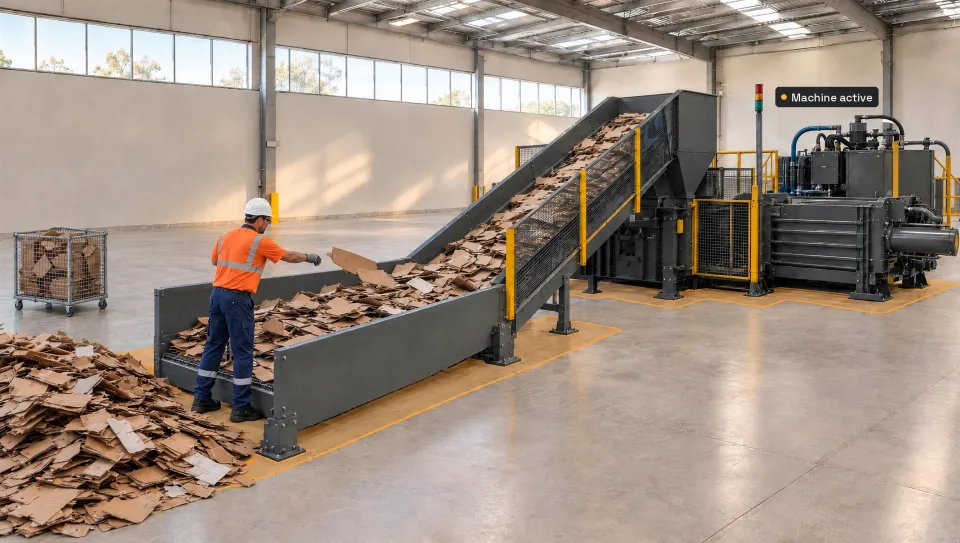 Infeed conveyor band
 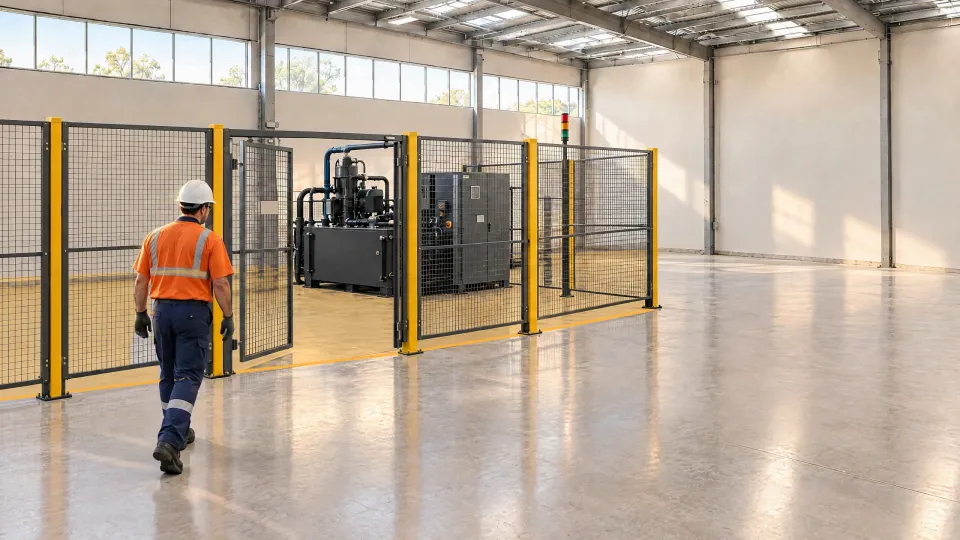 Gate 2 enclosure floor
 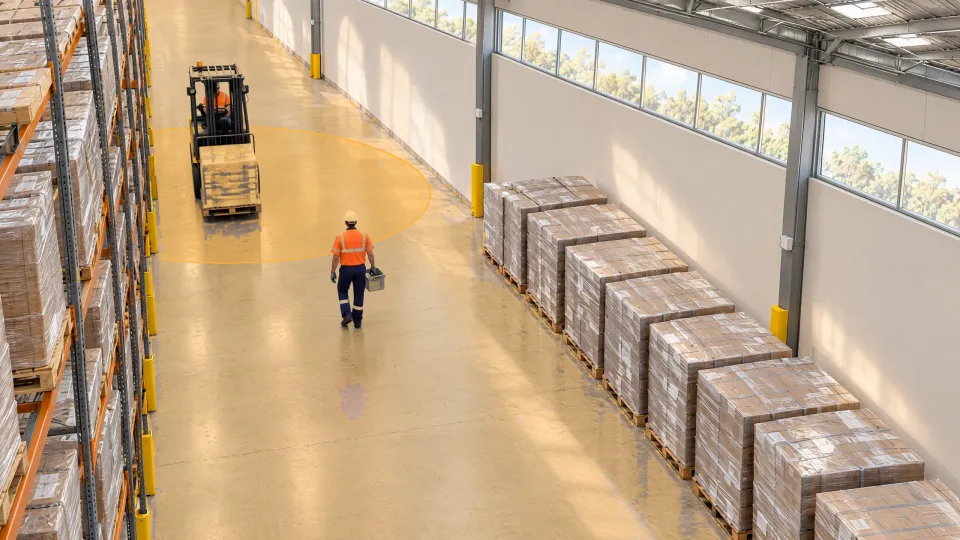 Forklift envelope (illustrative)
 When Person is in Infeed conveyor band and Machine active (DI-1) is On
When Person is in Gate 2 enclosure floor
When Person is in Forklift envelope (illustrative)
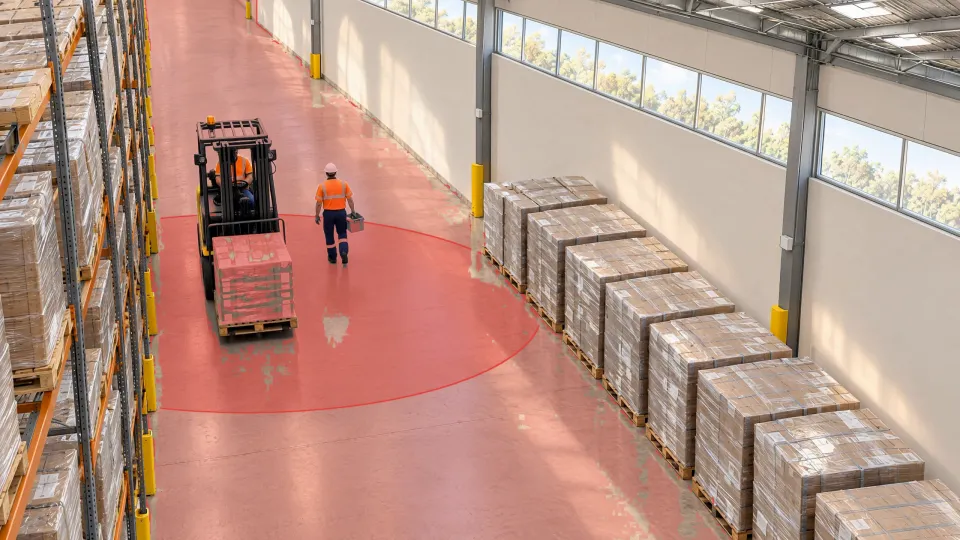
The envelope shown is illustrative. It applies where technically supported and validated.
Templates are ready for machine zones, restricted areas, and forklifts and people. Advanced Rules combine your own from these.
Your rules live in the portalIfA personis inInfeed bandand the machine isRunningandBypassisOff
ThenSeverity: HighShutdown-request signalStack light redSMS to the supervisorKeep the clip
Machine idle? Same zone, Severity: Low log it, no light, no signal.
Also: A supported vehicleWithin a set distance of a vehicleOther digital inputsDigital outputsEmail
Distance conditions apply only where technically supported and validated. SMS where supported. Illustrative.
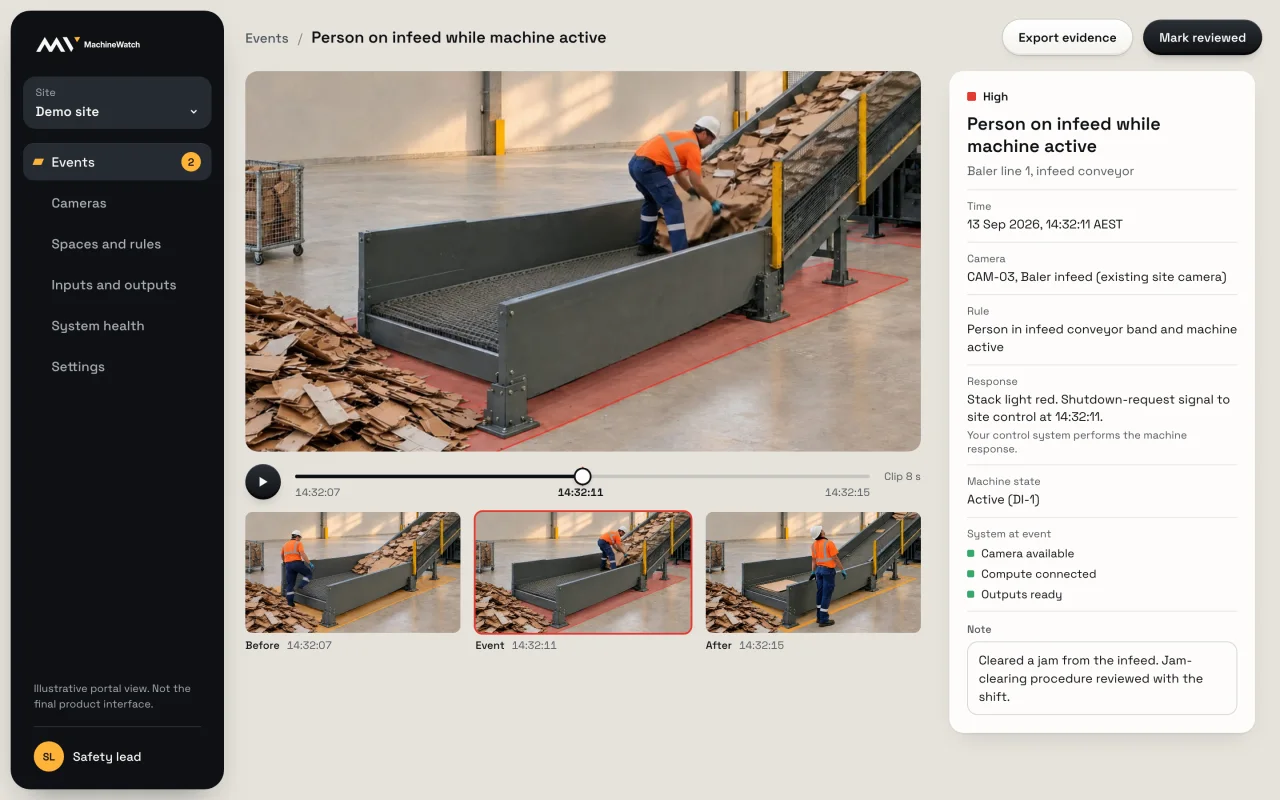
Your team signs in to see every event, review it, set up zones and rules, and check that everything is running.
Events
Across every camera and zone: what happened, how serious, what it did, and whether someone has looked.
Review
Watch the seconds before and after, note what was done about the cause, mark it reviewed, and export the evidence.
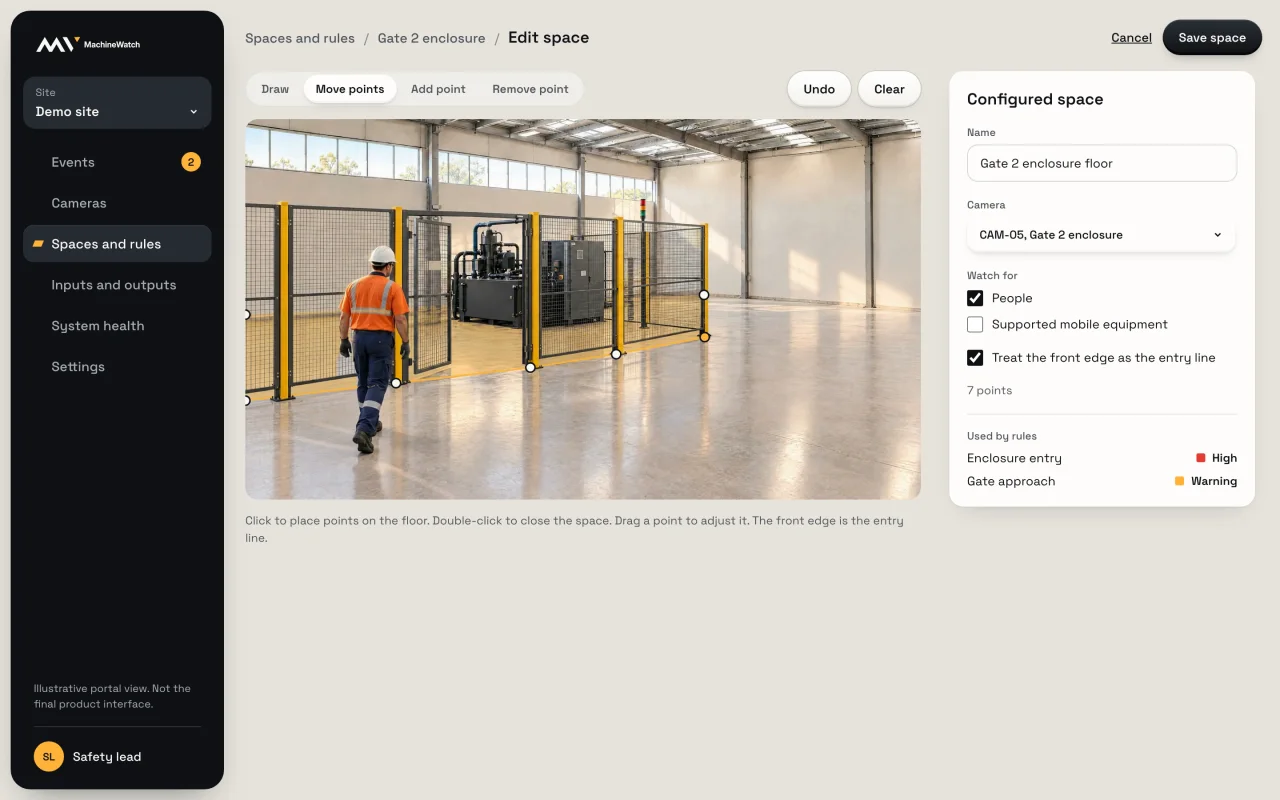
Zones
Place points on the camera view to mark the zone, and choose what to watch for in it. Change it whenever the site changes.
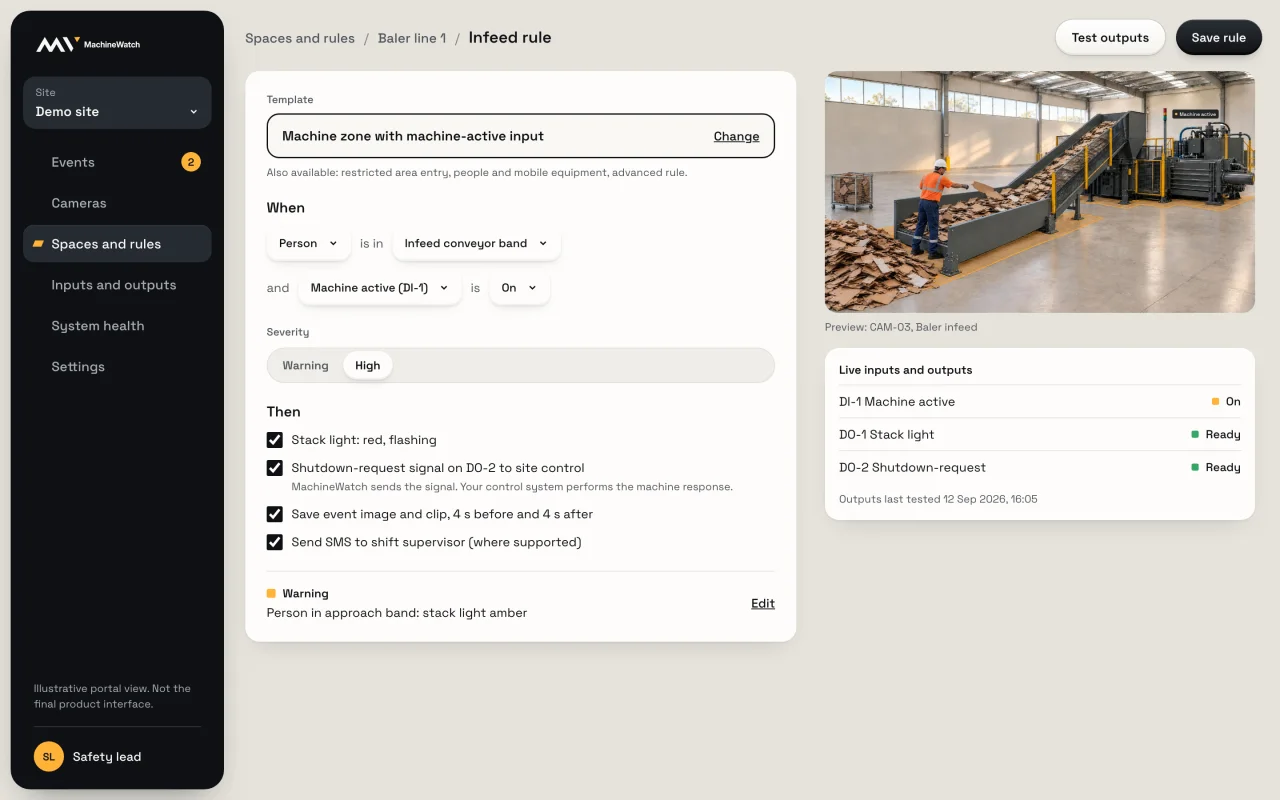
Rules
Start from a template or build an Advanced Rule: who, where, the machine's state, the severity and what happens.
Health
Compute, cameras, inputs and outputs, with a lamp at the machine. If a camera drops out, you see it here.
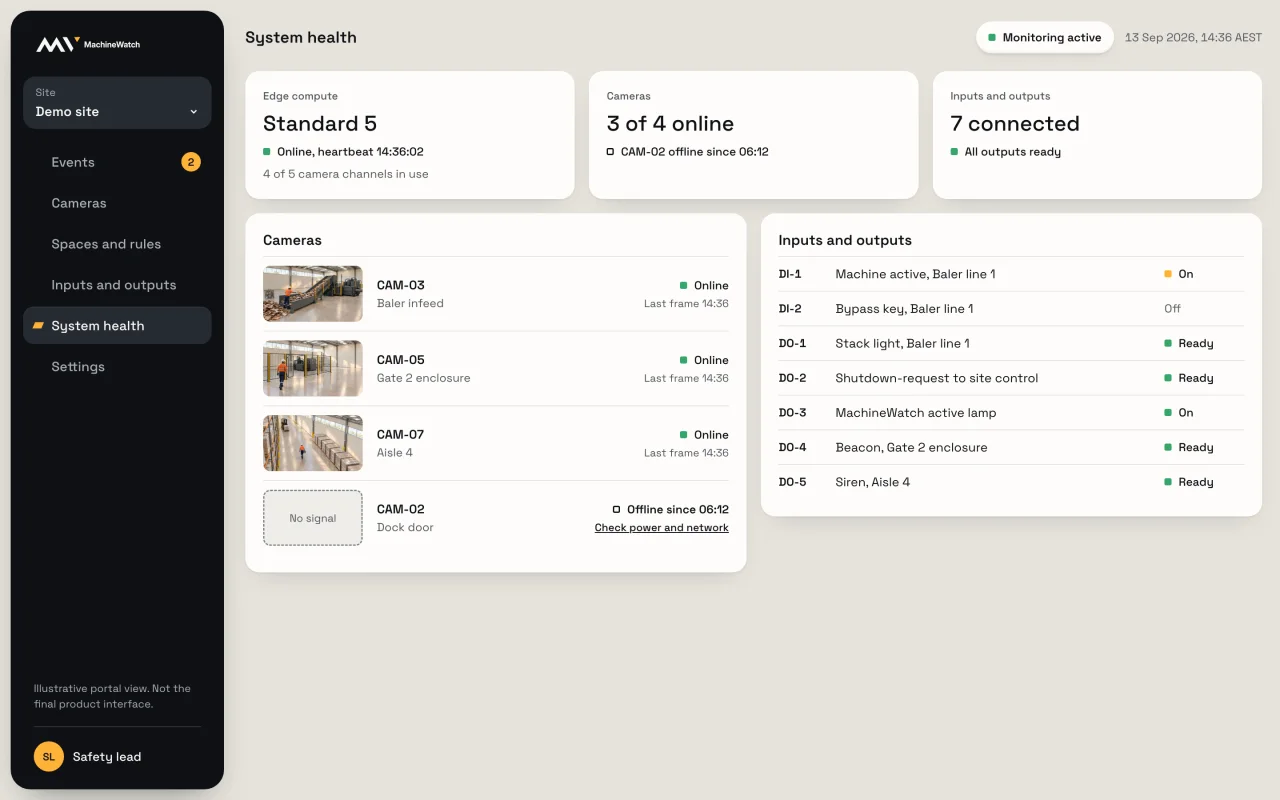
A small computer on your site runs the rules on the camera video. Your team works in the portal: events, evidence, rules and health.
What goes in
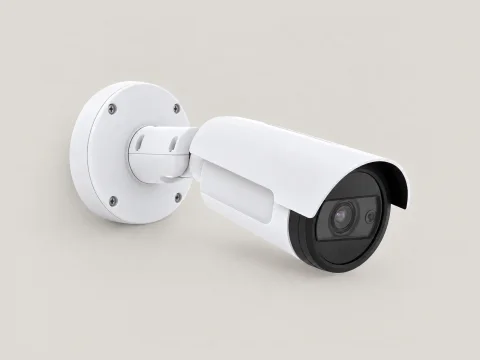
Supported IP cameras, existing or supplied.
Wired to the I/O module.
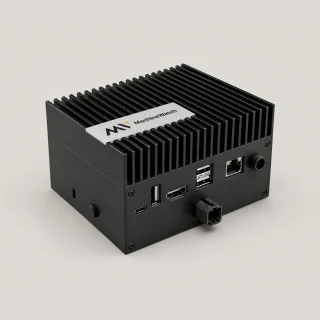
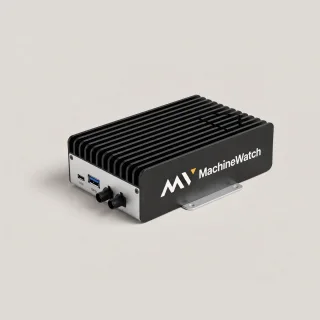
Runs your zones and rules on the camera video, on site, on every shift.
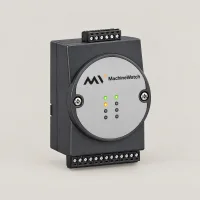
4 inputs and 4 outputs. Machine signals in; the light, the siren and your control system out.
What comes out, on site
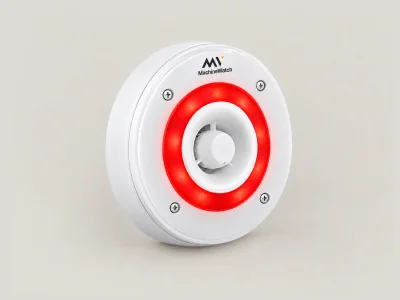
The light and siren, at the machine.
Your control system decides and acts.
Each event, on your site network.

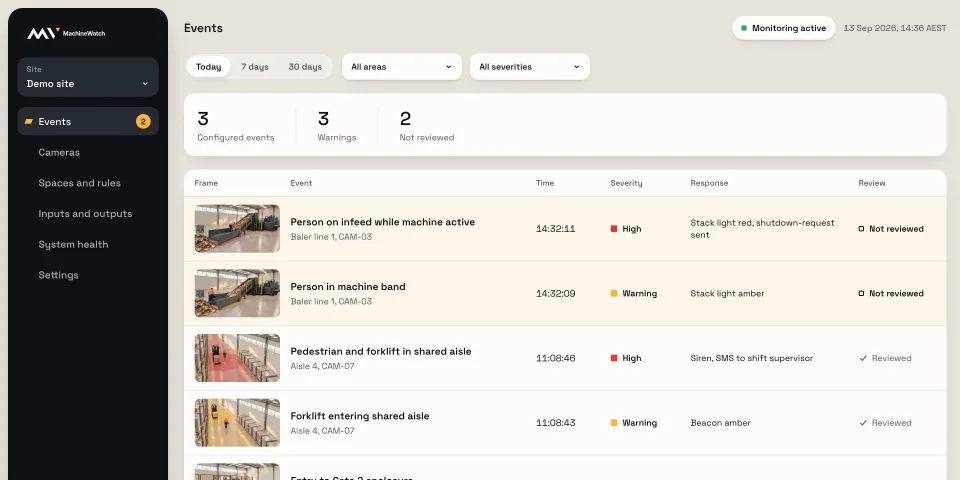
In the portal
The video is processed on site. Each event's image, clip and context goes to the portal.
To people
By severity, where supported.
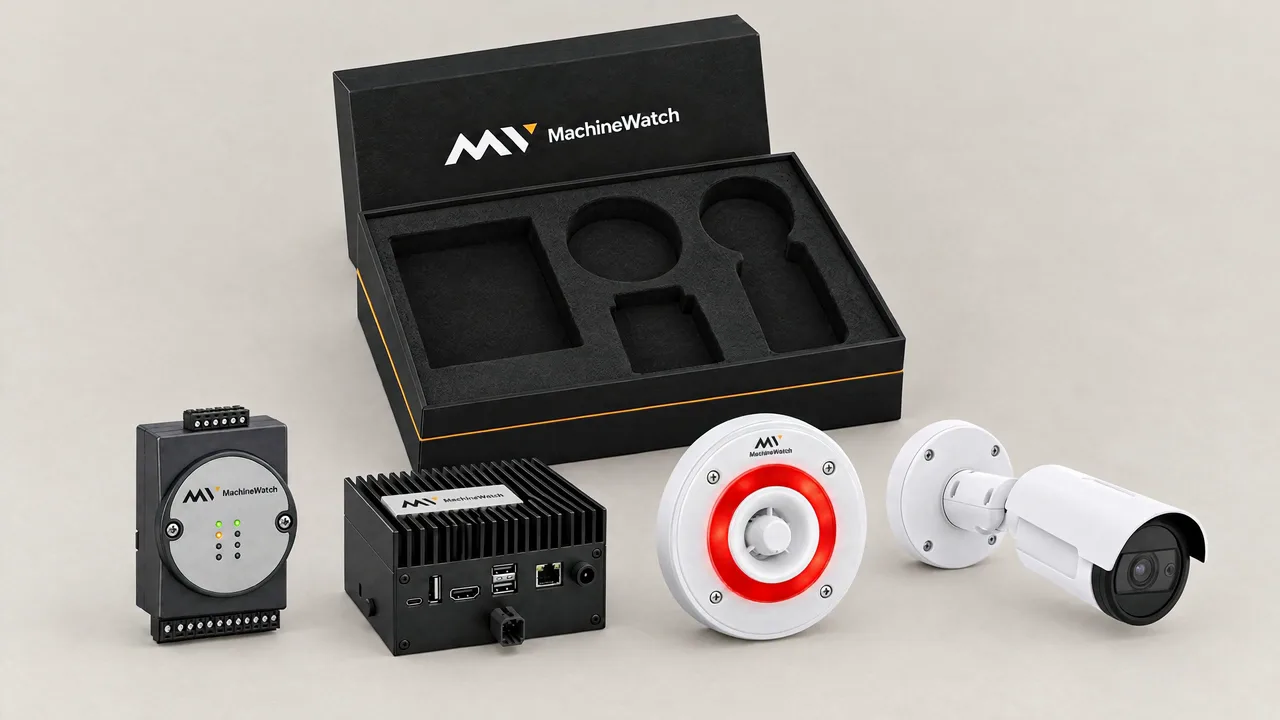
The monthly price covers the software, the portal and your alerts. Own the hardware outright, or have the compute built in.
Buy the compute once, then pay for each camera.
From$55
Per active camera, per month Plus the compute, bought once. From $2,341.No compute to buy upfront. Its price is spread across your cameras.
$83.61
Per active camera, per month, for the first 18 months $55, plus $28.61 for the compute, spread over 18 months with a 10% funding charge.Order for each site and manage them yourself, or talk to us about a wider rollout.
Same prices
Per camera, at every site, on either planWhichever way you pay, each camera's monthly price covers all of this.
No site minimum.
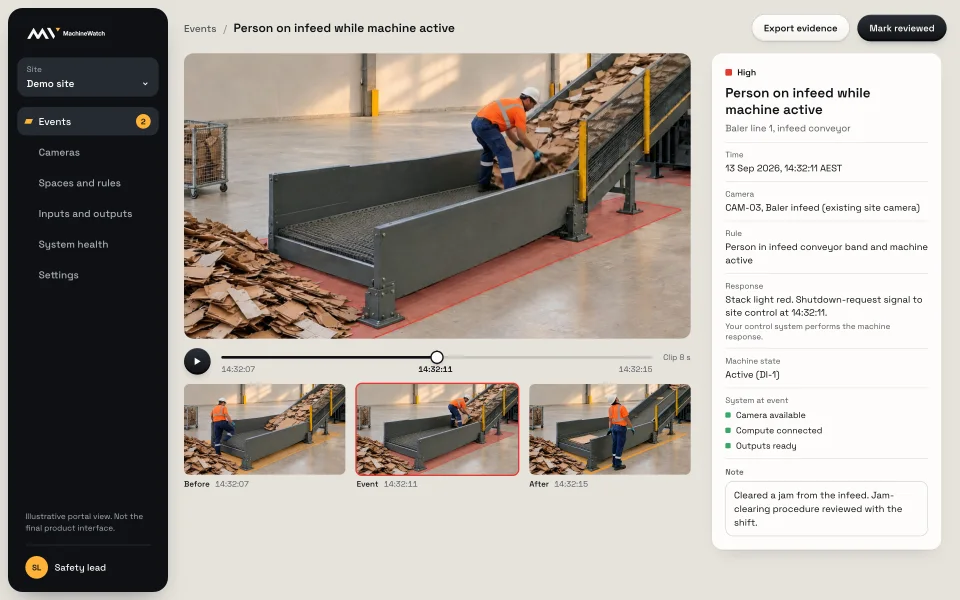 Illustrative portal view
 Prices in AUD, including GST.
What people ask about ordering, setting up and day to day. These come up first.
All questionsThe compute you chose, Standard or Rugged, with the I/O module and the light and siren if you added them. Our cameras too, if you ordered them.
On your order date, whichever way you buy.
Yes, on the hardware: within 14 days of your order.
Often. Supported IP cameras can be reused, or add ours when you order.
Yes. Order for each site and see them all in one portal. Talk to us if you'd like help planning a wider rollout.
Machine signals in, such as machine active and bypass. Out: the light, the siren and the shutdown-request signal to your control system. The I/O module has 4 inputs and 4 outputs.
It depends on your network and your control system, so test it on your site when you set up the rule.
No. It watches configured spaces, sends signals and keeps evidence. It works alongside guarding and safety controls, never in place of them.
Rules combine the zone with the machine-active and bypass inputs and a severity, so a request is sent only when the rule says so. Test each rule when you set it up.
The portal shows camera, compute and output status, and a local active or fault indication can be fitted at the machine.
For the zones and rules you set, yes. Each configured event is recorded, so you can see how often it happens and where. Expect more events at first: better observation shows what was going unseen.
Yes. Cameras on workers count as surveillance under NSW and ACT law, so notice and signage rules apply. MachineWatch watches configured spaces around machinery and records the events that match a rule.
Everything ships in one MachineWatch box. You plug it in, your electrician wires the I/O module, and your team draws the zone.